

Prerequisites
- Cursor installed
- AppleRouter API Key
Configuration Steps
Open Cursor Settings
Click the gear icon in the top right, or use
Cmd + , (macOS) / Ctrl + ,
(Windows/Linux)Configure OpenAI API
In the OpenAI API Key section:
- Enter your AppleRouter API key
- Click Override OpenAI Base URL and enter:
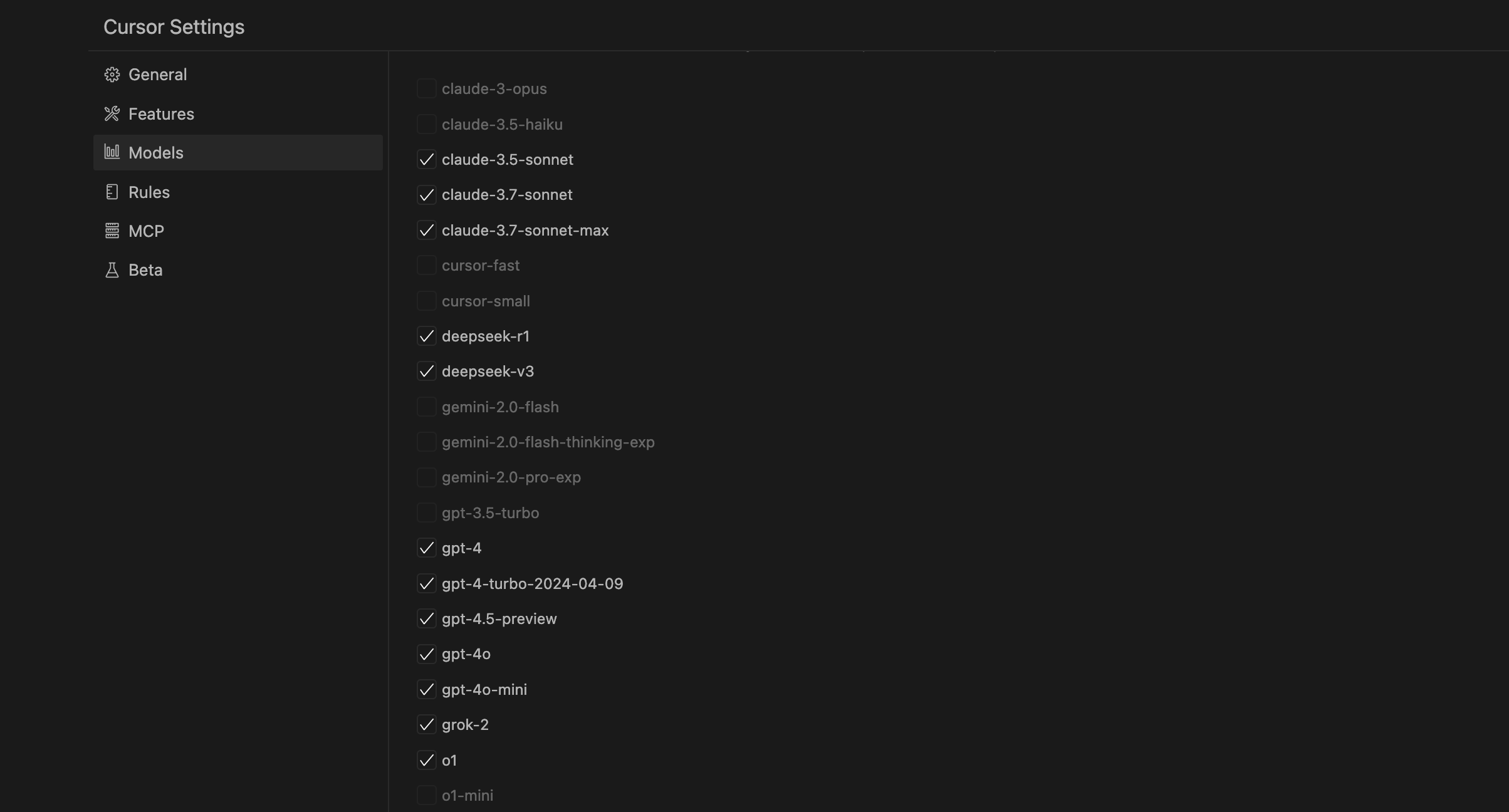
Using Custom Models
If your preferred model isn’t in Cursor’s preset list, you can add it manually:- Find Add model at the bottom of the Models settings page
- Enter the model name (must match AppleRouter’s supported model names)
- Save and select it from the model list
Verify Configuration
After configuration, open any code file and pressCmd + K (macOS) / Ctrl + K (Windows/Linux) to open the AI edit feature. Enter a simple instruction to test if it works.